If you use ChatGPT every day, you’ve probably found yourself repeating the same sequence of prompts over and over again. You ask ChatGPT to generate content, refine it, summarize it, translate it, or review it—copying and pasting each response into the next prompt manually.
What if all of that could happen automatically?
Meet GPT-FlowRUNNER, a Chrome extension built to automate your ChatGPT workflows using intelligent prompt chains. Whether you’re creating content, reviewing code, performing research, or managing repetitive AI tasks, GPT-FlowRUNNER helps you accomplish more with fewer clicks.
Why GPT-FlowRUNNER?
Most ChatGPT users spend unnecessary time:
- Copying responses between prompts
- Waiting for one task to finish before starting the next
- Reusing the same prompts repeatedly
- Managing complex multi-step workflows manually
GPT-FlowRUNNER eliminates these repetitive tasks, allowing you to focus on the results instead of the process.
Key Features
🔗 Prompt Chains
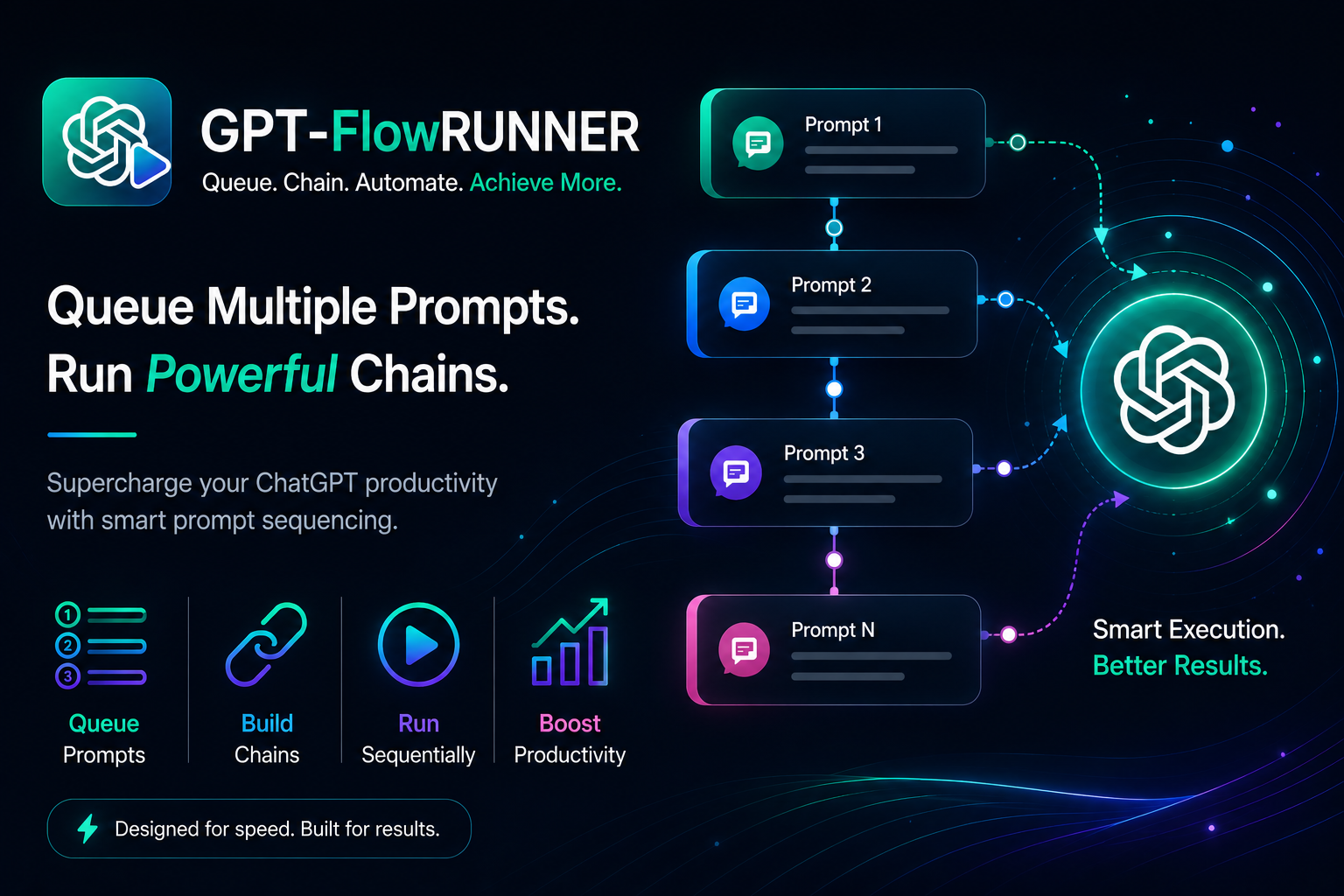
Create multiple prompts that execute automatically, one after another.
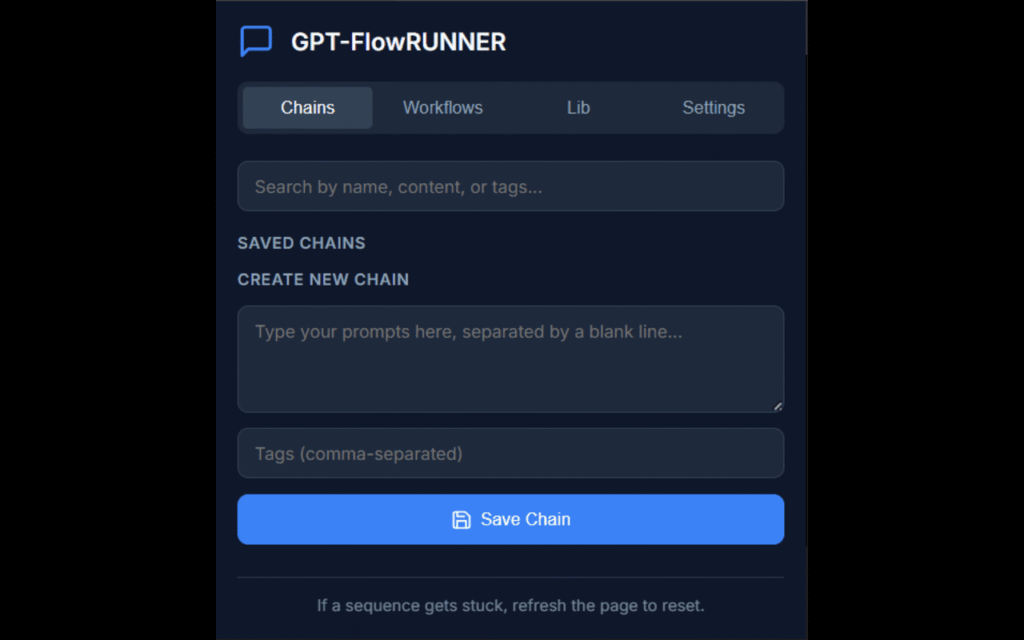
Simply write each prompt separated by a blank line and click Run. GPT-FlowRUNNER takes care of the rest, interacting with ChatGPT sequentially without requiring any manual intervention.
This is perfect for workflows such as:
- Article creation
- Email generation
- Document summarization
- Code analysis
- Research automation
⚡ Dynamic AI Workflows
Take automation even further using the powerful {{prev_data}} placeholder.
This special tag automatically inserts ChatGPT’s previous response into the next prompt, allowing you to build sophisticated workflows.
Example workflow:
Step 1
Generate a blog post about renewable energy.
↓
Step 2
Summarize the following article into five bullet points:
{{prev_data}}
↓
Step 3
Translate the following into Spanish:
{{prev_data}}
↓
Step 4
Create a LinkedIn post based on:
{{prev_data}}
No copying.
No pasting.
Just one click.
📚 Personal Prompt Library
We all have prompts we use repeatedly.
Instead of storing them in notes or text files, save them directly inside GPT-FlowRUNNER.
With a single click you can execute:
- Writing prompts
- Coding prompts
- Marketing prompts
- SEO prompts
- Translation prompts
- Research prompts
Your favorite prompts are always available whenever you need them.
🎨 Clean, Modern Interface
GPT-FlowRUNNER is designed to stay out of your way.
The extension provides a beautiful multi-tab interface where you can:
- Create prompt chains
- Build reusable workflows
- Manage saved prompts
- Configure settings
- Run automations quickly
Everything is organized, intuitive, and built for productivity.
⚙️ Configurable Automation
Different ChatGPT conversations may require different pacing.
GPT-FlowRUNNER lets you configure the delay between automated prompts, ensuring smooth execution and giving ChatGPT enough time to generate responses before continuing to the next step.
Who Can Benefit?
GPT-FlowRUNNER is useful for anyone who regularly works with ChatGPT, including:
👨💻 Developers
- Code generation
- Refactoring
- Documentation
- Bug fixing
- Code reviews
✍️ Writers
- Draft generation
- Editing
- Proofreading
- Summarization
- Content expansion
📈 Marketers
- SEO content
- Product descriptions
- Social media posts
- Email campaigns
- Landing page copy
🎓 Researchers & Students
- Literature summaries
- Report writing
- Note generation
- Translation
- Knowledge organization
Save Time. Work Smarter.
GPT-FlowRUNNER is a productivity multiplier for ChatGPT users.
By automating repetitive prompt sequences, maintaining reusable prompt libraries, and enabling dynamic workflows, it transforms ChatGPT into a much more powerful assistant.
Instead of managing prompts manually, you can focus on creating, learning, solving problems, and building great things.
Install GPT-FlowRUNNER Today
Start automating your ChatGPT workflows and experience a faster, more productive way to work with AI.
Install GPT-FlowRUNNER.
If you use ChatGPT every day, GPT-FlowRUNNER might become one of those extensions you wonder how you ever lived without.