When working with information on the web, copying content is something most of us do every day. Whether you’re writing documentation, taking notes, preparing reports, or saving research, the copied content often needs to be reformatted before it can be used.
WebClip Pro was built to make that process a little easier.
What is WebClip Pro?
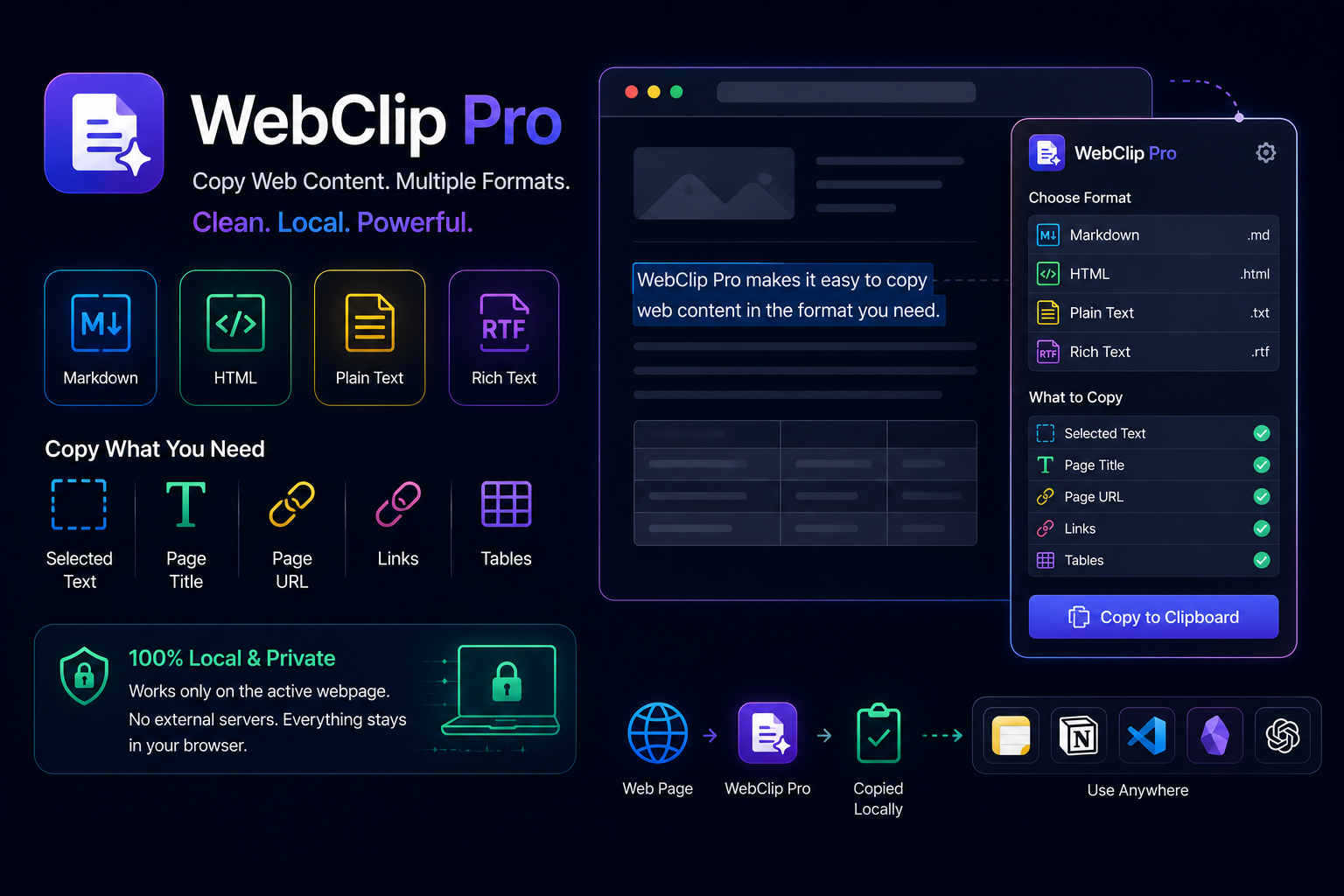
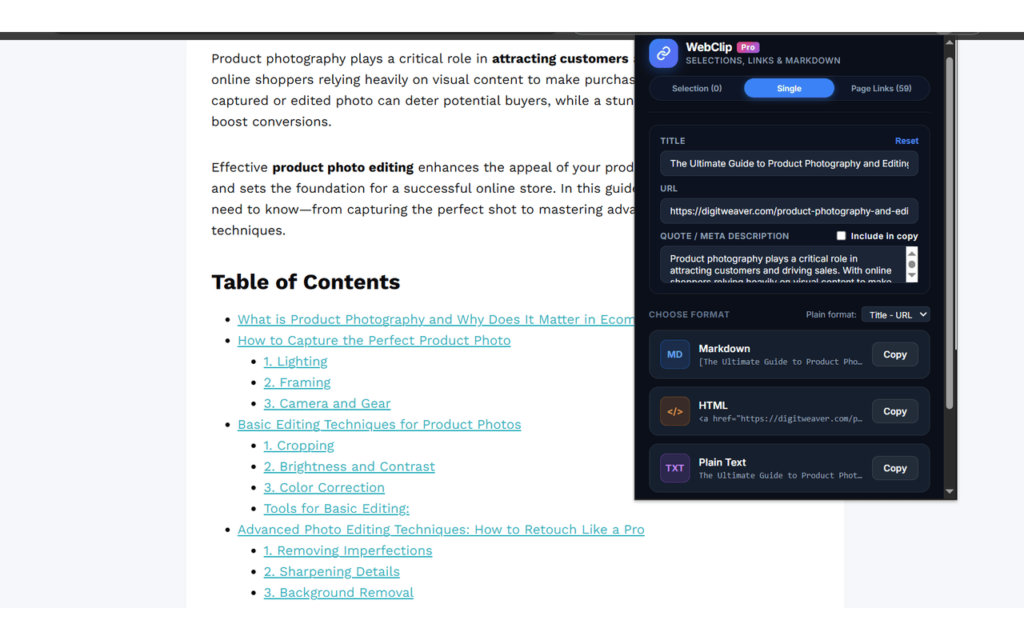
WebClip Pro is a lightweight Chrome extension that helps you copy webpage content in different formats with just a few clicks.
Instead of manually cleaning up copied content, you can choose the format that best fits your workflow.
The extension currently supports:
- Plain Text
- Rich Text
- Markdown
- HTML
What Can You Copy?
WebClip Pro supports copying several types of webpage content, including:
- Selected text
- Page title
- Page URL
- Links
- Tables
This makes it useful for a wide variety of everyday tasks, from note-taking to technical documentation.
Designed for Everyday Workflows
Different users have different ways of organizing information. WebClip Pro aims to fit naturally into those workflows.
Some common use cases include:
Documentation
Copy formatted content directly into documentation without unnecessary formatting changes.
Markdown Notes
Generate Markdown-ready content for note-taking applications and knowledge bases.
Word Processing
Copy Rich Text into Microsoft Word or Google Docs while preserving formatting where appropriate.
Research
Save references, webpage titles, links, and tables for future use.
AI Tools
Quickly copy webpage content into AI assistants such as ChatGPT, Claude, or Gemini for summarization, analysis, or content generation.
Simple and Focused
Rather than combining many unrelated features, WebClip Pro focuses on doing one job well: copying webpage content in the format you need.
The extension works on the currently active webpage and provides access through:
- Extension popup
- Right-click context menu
- Keyboard shortcuts
Privacy First
WebClip Pro processes webpage content locally within your browser.
The extension:
- Does not collect personal information
- Does not use analytics
- Does not include advertising
- Does not send webpage content to external servers
- Does not track browsing activity
User preferences are stored locally using Chrome’s storage API.
Available on the Chrome Web Store
WebClip Pro is now available on the Chrome Web Store.
Feedback is Welcome
WebClip Pro is an actively maintained project, and future improvements will be guided by user feedback.
If you have suggestions for additional copy formats or workflow improvements, feel free to share your ideas. They will help shape future updates.
Thank you for taking the time to try WebClip Pro.