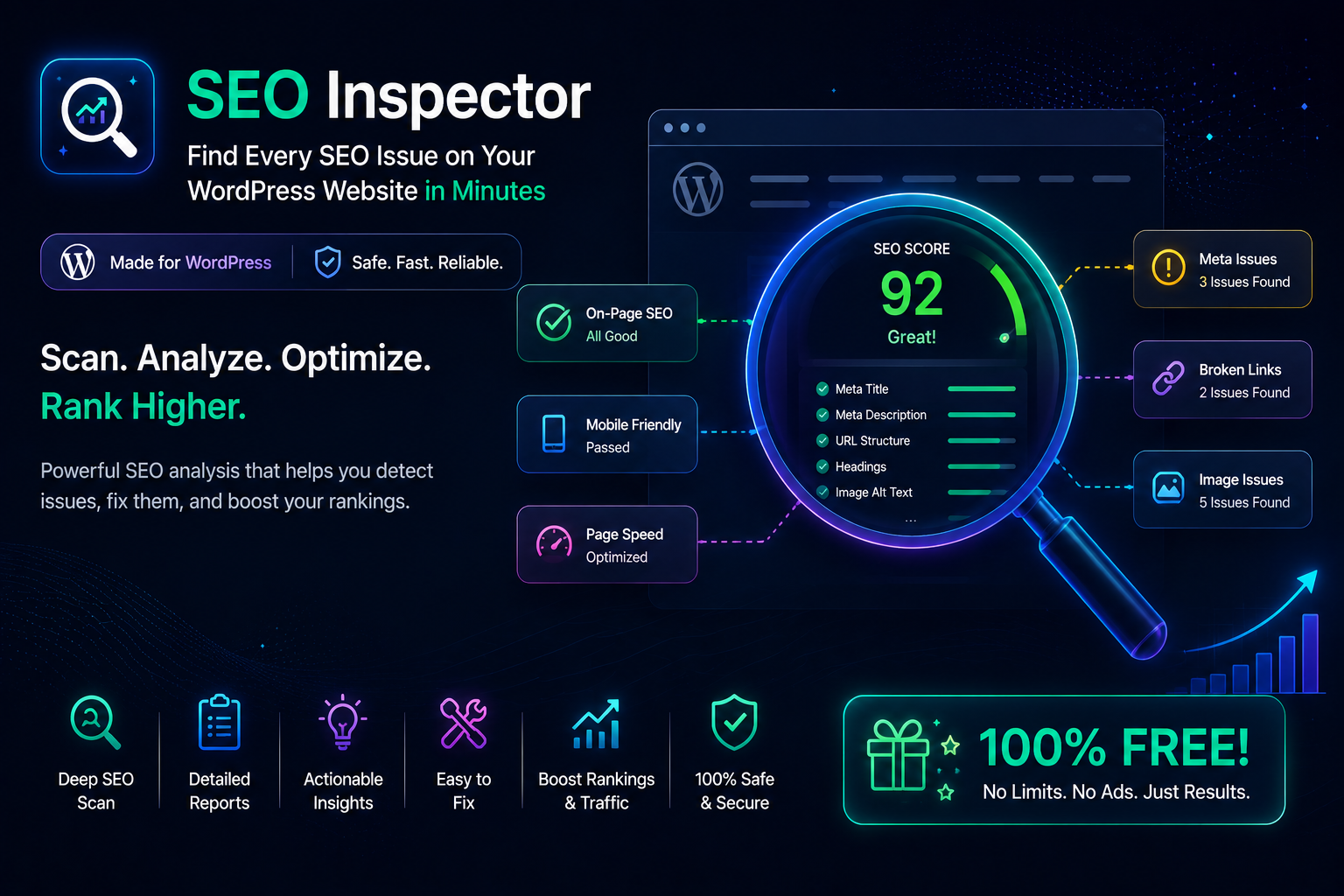
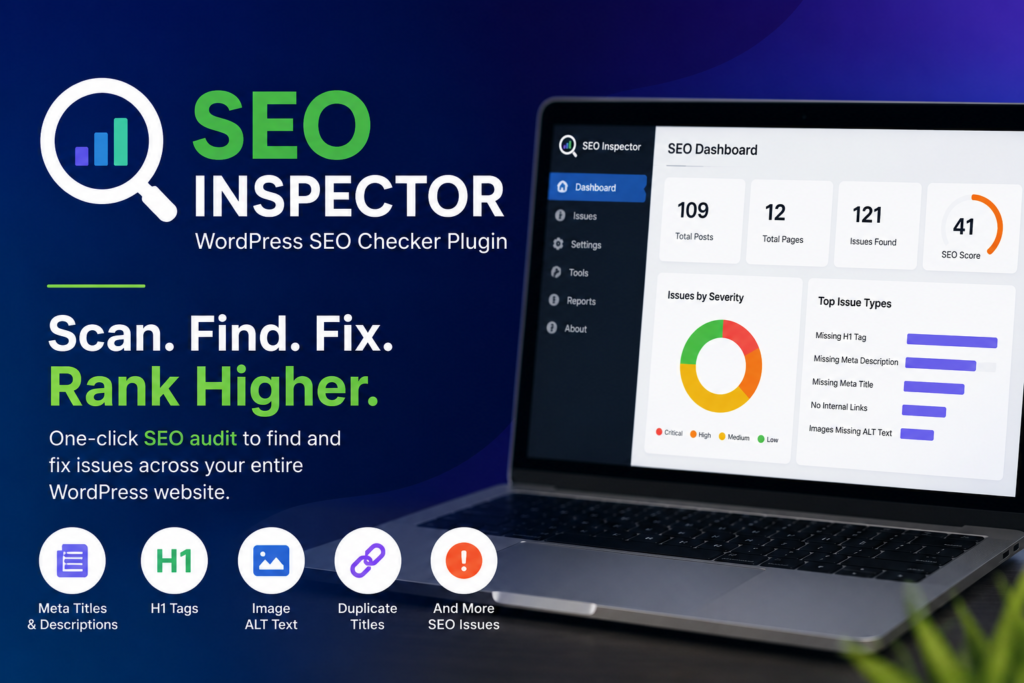
SEO Inspector is a lightweight WordPress plugin designed to help website owners identify and fix common on-page SEO issues in just a few clicks. Instead of manually reviewing hundreds of pages, posts, or products, WordPress SEO Inspector scans your website and highlights missing meta titles, missing meta descriptions, missing H1 tags, missing image ALT text, duplicate titles, and other technical SEO issues from a single, easy-to-use dashboard.
Whether you’re a blogger, business owner, SEO professional, freelancer, agency, or WooCommerce store owner, SEO Inspector makes technical SEO audits faster, simpler, and more effective.
Why Use SEO Inspector?
A website may have excellent content but still struggle to rank because of overlooked SEO mistakes. Missing metadata, duplicate titles, broken heading structures, and images without ALT text can reduce your search visibility and negatively impact user experience.
Locating these issues manually is time-consuming, especially on websites with hundreds or thousands of pages.
SEO Inspector automates the entire process. With a single click, it scans your website, identifies SEO issues, and presents them in a clean dashboard so you can prioritize and fix them quickly.
Start scanning your WordPress website in minutes. Detect missing SEO elements, improve your site’s health, and fix issues before they affect your rankings.
How to Install SEO Inspector
Getting started with SEO Inspector takes less than a minute.

Follow these simple steps to install and run your first SEO scan.
- Download the SEO Inspector plugin ZIP file.
- Log in to your WordPress Admin Dashboard.
- Navigate to Plugins → Add New.
- Click Upload Plugin.
- Select the downloaded ZIP file.
- Click Install Now.
- After installation, click Activate Plugin.
Once activated, you’ll find SEO Inspector in the WordPress admin menu.
Key Features
One-Click Website Scan
Run a complete SEO audit with a single click. SEO Inspector scans:
- Posts
- Pages
- WooCommerce Products
- Custom Post Types
The scan runs efficiently in the background without slowing down your website.
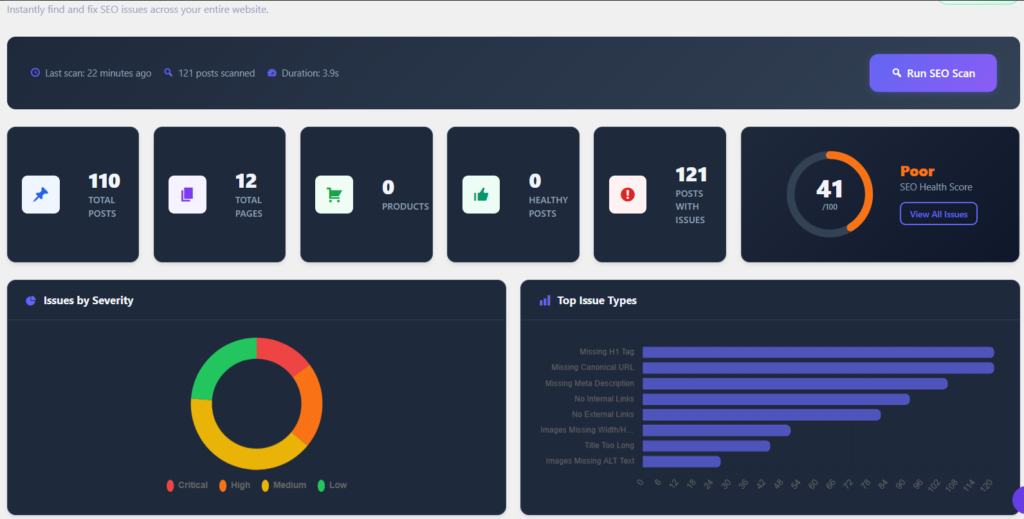
Comprehensive SEO Health Dashboard
Monitor your website’s SEO health from one place.
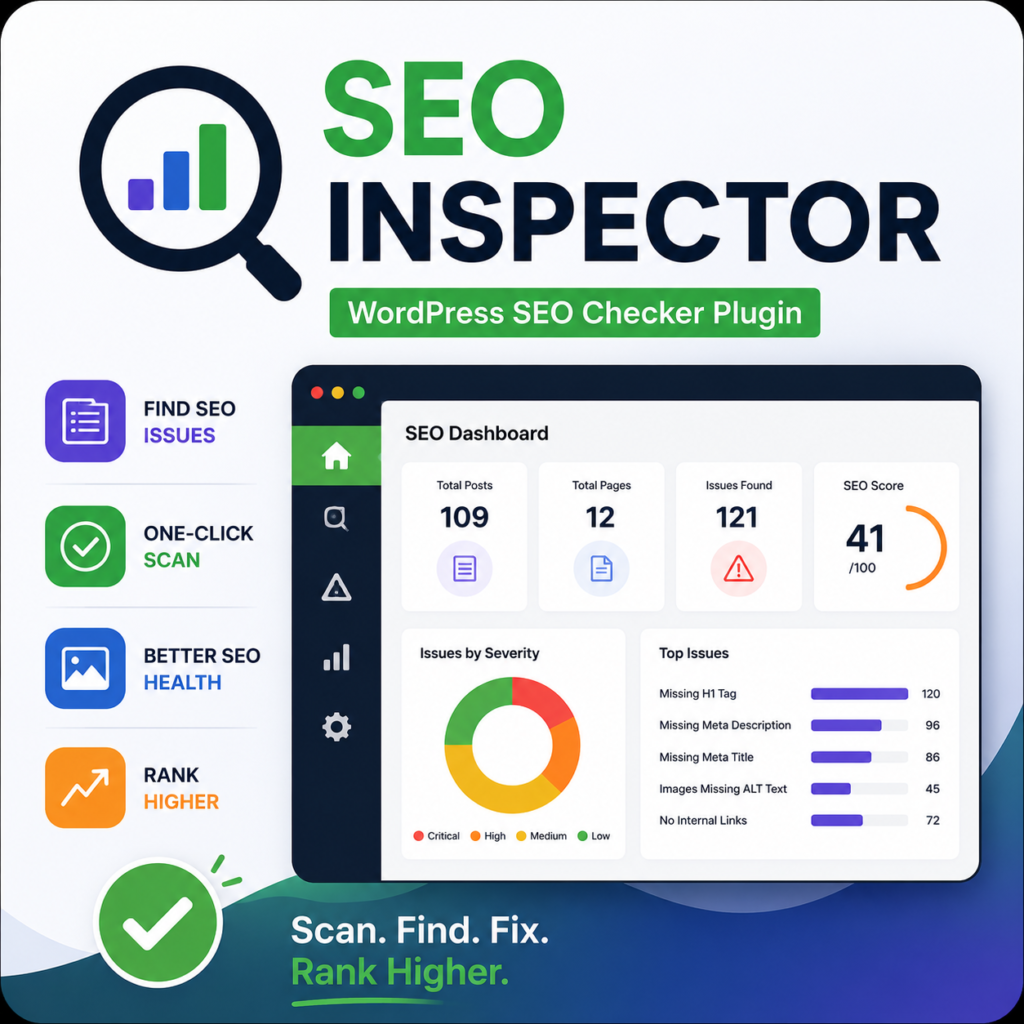
The dashboard displays:
- Overall SEO Health Score
- Total Pages Scanned
- Total Issues Found
- Healthy Pages
- Critical Issues
- Recent Scan Time
- Visual charts and summaries
Detect Common SEO Issues
SEO Inspector automatically identifies:
- Missing SEO Titles
- Missing Meta Descriptions
- Missing H1 Tags
- Multiple H1 Tags
- Missing Featured Images
- Images Without ALT Text
- Duplicate Page Titles
- Long SEO Titles
- Short SEO Titles
- Long Meta Descriptions
- Short Meta Descriptions
- Long URLs
- Missing Categories
- Missing Tags
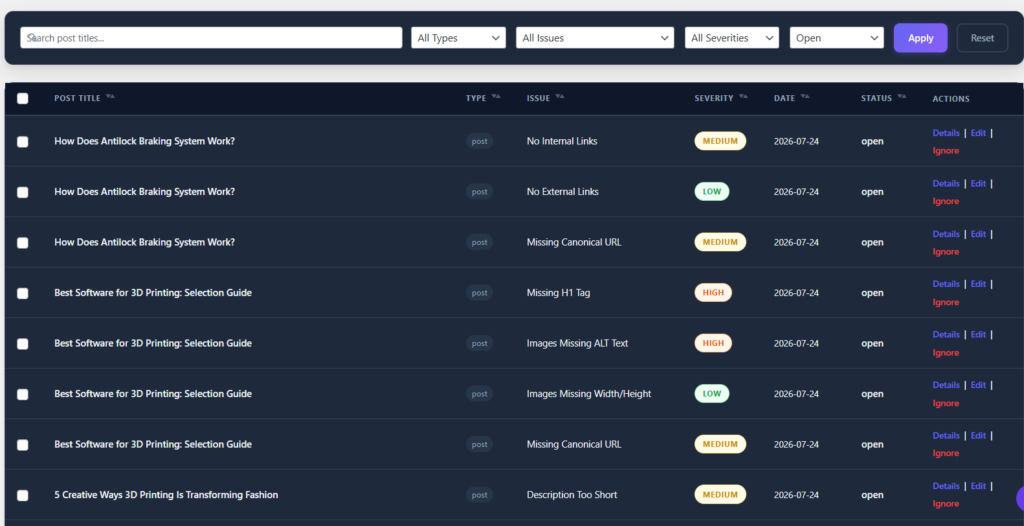
Each issue includes a severity level and a direct link to edit the affected content.
Powerful Issue Manager
Review all SEO issues in a searchable and filterable table.
Features include:
- Search by title
- Filter by issue type
- Filter by post type
- Sort by severity
- Bulk actions
- Export issues to CSV
- Open posts directly in the WordPress editor
Works Alongside Your Favorite SEO Plugin
SEO Inspector is not a replacement for your existing SEO plugin.
It works seamlessly with:
- Yoast SEO
- Rank Math
- All in One SEO
The plugin automatically detects installed SEO plugins and reads the configured SEO titles and meta descriptions, making it an ideal WordPress SEO Audit Plugin for any website.
How WordPress SEO Inspector Works
It uses native WordPress APIs to analyze your website. It reviews every selected post, page, product, or custom post type and checks for common on-page SEO problems.
Once the scan is complete, all findings are stored and displayed in a modern dashboard. Each issue explains what is wrong, why it matters for SEO and provides a quick link to edit the content.
The plugin only performs scans when you manually start one or when scheduled scans are enabled. This approach minimizes server load while ensuring your website remains fast and responsive.
Why Technical SEO Matters
Technical SEO is the foundation of search engine optimization. Even high-quality content can underperform if important SEO elements are missing.
Search engines rely on titles, meta descriptions, headings, image ALT text, and page structure to understand your content. Missing or duplicate elements can reduce visibility in search results and negatively affect user experience.
Regular SEO audits help you discover these problems before they impact rankings. SEO Inspector automates this process and helps maintain a healthy website with minimal effort.
Who Should Use SEO Inspector?
SEO Inspector is built for anyone who manages a WordPress website, including:
- Bloggers
- Business websites
- WooCommerce stores
- SEO agencies
- Freelancers
- Digital marketers
- Web developers
Whether your website has 20 pages or 20,000, SEO Inspector helps keep your on-page SEO under control.
Benefits of Using SEO Inspector
Using this plugin helps you:
- Save hours of manual SEO auditing
- Improve on-page SEO quality
- Discover hidden technical SEO issues
- Increase website consistency
- Improve search engine visibility
- Maintain better content quality
- Export reports for clients or team members
- Track your website’s SEO health over time
Built for Performance
Unlike many scanning tools that continuously consume server resources, SEO Inspector is optimized for speed.
It uses:
- AJAX-powered background scanning
- Batch processing for large websites
- Smart caching
- Native WordPress APIs
- Scheduled scans using WP-Cron
This feature ensures fast performance even on websites with thousands of pages.
Future Roadmap
This plugin will continue to evolve with new features, including:
- Scheduled automated SEO scans
- Email SEO reports
- Broken internal link detection
- Orphan page detection
- AI-generated meta descriptions
- AI-generated image ALT text
- PDF audit reports
- Advanced SEO scoring
- Multi-site support
- Developer hooks and integrations
Why Choose SEO Inspector?
Most SEO plugins focus on configuring SEO settings. SEO Inspector focuses on identifying problems that prevent your website from performing at its best.
Instead of searching through individual pages to find missing metadata or duplicate titles, you get a complete website-wide SEO audit in a single dashboard.
If you’re looking for a reliable WordPress SEO Checker Plugin, WordPress SEO Scanner, or SEO Health Checker that complements your existing SEO plugin, SEO Inspector is the perfect solution.
Get Started Today
Install SEO Inspector, run your first website scan, and discover hidden SEO issues within minutes.
Improve your website’s SEO health, fix technical issues faster, and build a stronger foundation for higher search engine rankings.
SEO Inspector — Scan. Find. Fix. Rank Higher.